

About
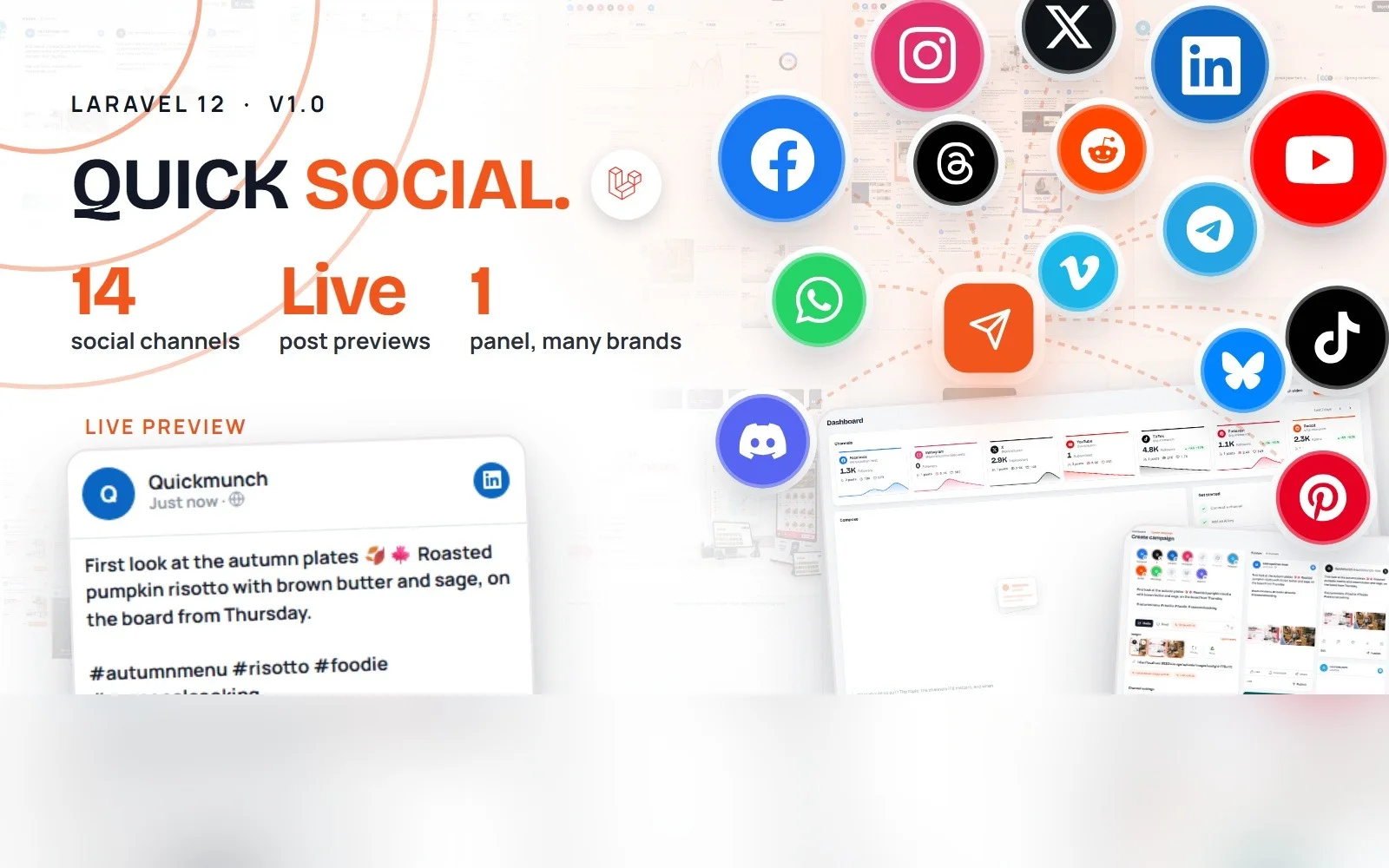
Quick Social is a self-hosted social media publishing panel built on Laravel 12. Compose a post once, see it the way each channel will show it, publish now or schedule it, and follow what went out: the campaign log, the calendar, the channels' own feeds and their numbers. It publishes to fourteen channels from one screen, uploads native video to YouTube, Vimeo, TikTok, Reels and Pinterest, and brings AI to the parts that take time: captions, a plan for the week, images and video clips.
Run it for one brand or for many. Every company you add has its own channels, campaigns, ideas and reports, switched from the top bar, so an agency, a group of venues or a creator with several projects works from a single panel.
Fourteen Channels, One Composer
- Text, image and video posts to Facebook Pages, X, LinkedIn (personal profile and company page), Instagram, TikTok, Pinterest, Telegram, Reddit, WhatsApp Business, Threads, Bluesky and Discord
- Native video uploads to YouTube (videos and Shorts), Vimeo, TikTok, Instagram Reels, Facebook Reels and Pinterest video pins, each with its own settings: visibility, category, playlist, made-for-kids, comments, duet, stitch, boards and cover frames
- Live previews: every selected channel is drawn the way that platform shows a post, with the connected account's name and avatar, link cards fetched from the page, image sets and collages, and per-channel text you can edit without touching the shared message
- Per-channel settings where a channel needs them: the subreddit and title for Reddit, a message or an approved template for WhatsApp, a board for Pinterest
- Media from your library, an upload, Google Drive, or a picture and cover the AI makes on the spot
- Publish now, schedule, or save as a draft; publish every channel at once or one card at a time
Scheduling, Calendar and Campaign Log
- A calendar of drafts, scheduled and published campaigns with drag-and-drop rescheduling and a week strip on the dashboard
- The scheduler publishes on time from one cron entry; Settings shows the exact line for your server, whether it has run, and the queue's state
- The campaign log keeps every run: what was published, the post links on each platform, what failed and why, with a one-click retry per channel
- Opportunities: recent campaigns that skipped a channel, ready to publish there in one click
Feeds, Analytics and Best Times
- Feeds: the channels' own posts read into the app, in a masonry wall you can reuse from
- Analytics for 7, 30 or 90 days: posts, reach, engagements, engagement rate and followers per channel, day-by-day lines, the top posts, formats and the best days and hours
- Campaign and video analytics: each post's numbers over time on every channel it went to
- Best times: a heat map of your audience's activity per channel, and the next good slots to post
- A dashboard with channel tiles and their week, the week ahead, what needs attention (failed runs, sign-ins to renew, drafts not scheduled), ideas for the week and the latest opportunities
AI Where It Saves Time (bring your own key)
- Write with AI in the composer, in the brand's voice, tailored per channel when you ask for it
- Ideas for the week: five suggestions drawn from your recent results, composed with one click, kept or dismissed
- Image studio: text, fonts, layers and templates over your pictures or AI-generated ones, rendered on the server
- Video studio: trim, captions, covers and AI-generated clips (FFmpeg on the server)
- Four providers, OpenAI, Anthropic, Google Gemini and OpenRouter, with a provider and model chosen per feature. Everything runs on keys you add; a fresh install has none
Many Brands, One Panel
- Add a company for each brand or client: its own name, logo, contact details and a short description the AI writes in the voice of
- Each company connects its own social channels; the AI providers are shared
- Campaigns, calendar, feeds, analytics, ideas and the media library all follow the company selected in the top bar
Settings, Branding and Notifications
- Channel credentials with OAuth sign-in where the platform offers it (Facebook and Instagram, X, LinkedIn, YouTube, TikTok, Pinterest, Reddit, Threads, Vimeo), pasted tokens elsewhere (Telegram, WhatsApp, Bluesky, Discord); each channel shows the redirect URI to register and checks itself after saving
- Sign-ins are watched: an expiring or refused token shows on the dashboard and in a notification before it costs you a post
- Branding: your name, logo, favicon, colours and fonts; light and dark themes
- Notifications in the panel, and browser push through Firebase if you want it
- SMTP for password resets, a media library with limits and clean-up, a Google Drive import, and a scheduler page that shows the cron line and its status
What's Included
- Full Laravel 12 source: controllers, services, form requests, Blade views, and the CSS and JavaScript sources built with Vite (the built files are included, nothing needs building to run)
- A three-step web installer: server check, folder permissions, database and administrator
- The application ships as a single
quick-social.zip: upload one file to your host and extract it there - HTML documentation covering installation, every screen and its controls, how to connect each channel, the AI providers, SMTP, push notifications, Google Drive, demo mode, updating and troubleshooting, plus an installation guide PDF
- All assets local: fonts, icons, scripts. No sample content in the product; the panel starts empty and yours
Server Requirements
- PHP 8.2 or newer with BCMath, cURL, Exif, Fileinfo, GD, Gettext, Mbstring, MySQLi, PDO, PDO MySQL and Zip
- MySQL 5.7+ (8.x supported) or MariaDB 10.3+
- Apache with mod_rewrite (the included .htaccess files handle the rewriting) or Nginx pointed at
public/ - HTTPS on the live domain: the social platforms only accept https callback URLs for sign-in
- One cron entry for the scheduler; FFmpeg on the server for the video studio (optional)
Browser Compatibility
- Chrome and Edge 111+, Firefox 113+, Safari 16.4+, and the current Chrome and Safari on Android and iOS
- Responsive from phones to desktop, with a full-screen mode for the panel
- Internet Explorer is not supported
Third-Party Integrations (all optional, off by default)
A fresh install has no keys. Each integration works only once you add your own from the panel:
- Social platforms: your own developer app for each channel (Meta, X, LinkedIn, Google, TikTok, Pinterest, Reddit, Threads, Vimeo), a bot for Telegram, the WhatsApp Business API, an app password for Bluesky, a webhook for Discord
- AI: OpenAI, Anthropic, Google Gemini, OpenRouter; you provide your own key and your own privacy notice per your provider's terms
- Push notifications: Firebase Cloud Messaging
- Google Drive for importing media
- SMTP for email
Support & Updates
- The documentation covers install, updating, configuration and every screen, with troubleshooting
- Support is provided through the item support form on this page, on the marketplace you bought it from
Credits
- Laravel (MIT), GSAP and Motion for the interface animation, Firebase SDK (Apache 2.0), Google Fonts served locally (SIL OFL)
- All images and posts in the demo are for demonstration only and are not part of the purchase. The product ships without sample content.
Ask AI about Quick Social
Vote
Business
Related Work





Lumen Admin Dashboard
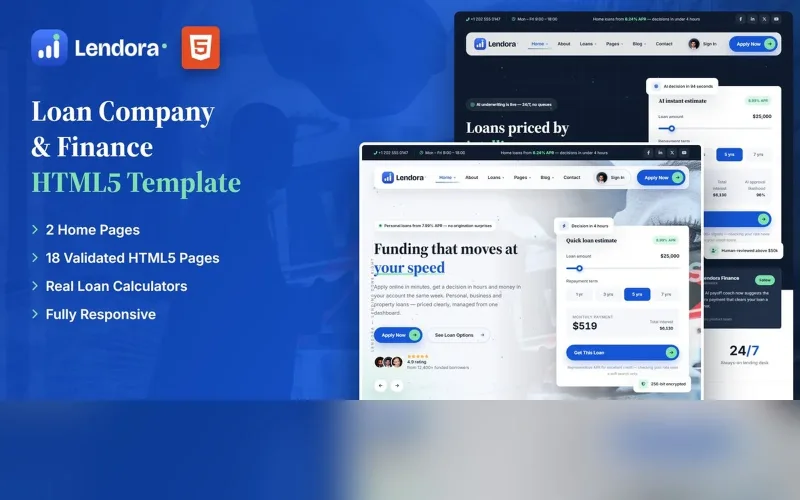
Loan & Finance HTML5 Template
 Duarte & Partners

Mono Wedding Template
Luxury Black Car & Chauffeur HTML5 Template
 Ingrid Solberg

Saffron Blog Theme
Car Dealership & Marketplace HTML5 Template

Meridian Wedding Template
Luxury Black Car & Chauffeur HTML5 Template
 Sato & Partners
Vela Admin Dashboard
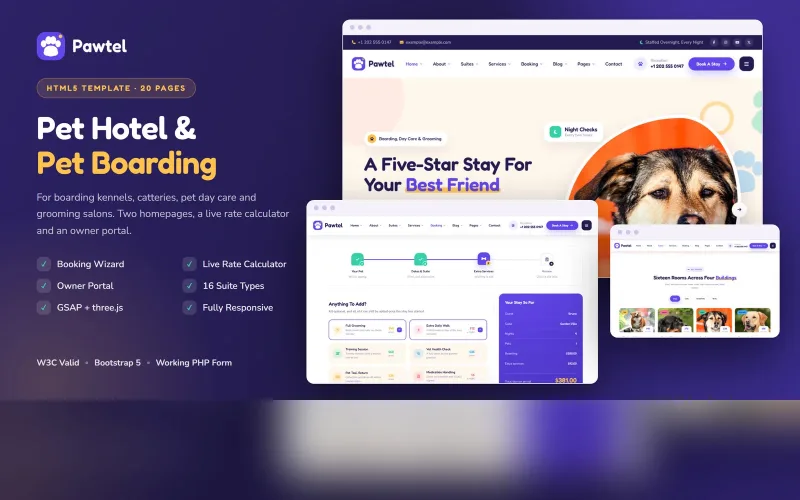
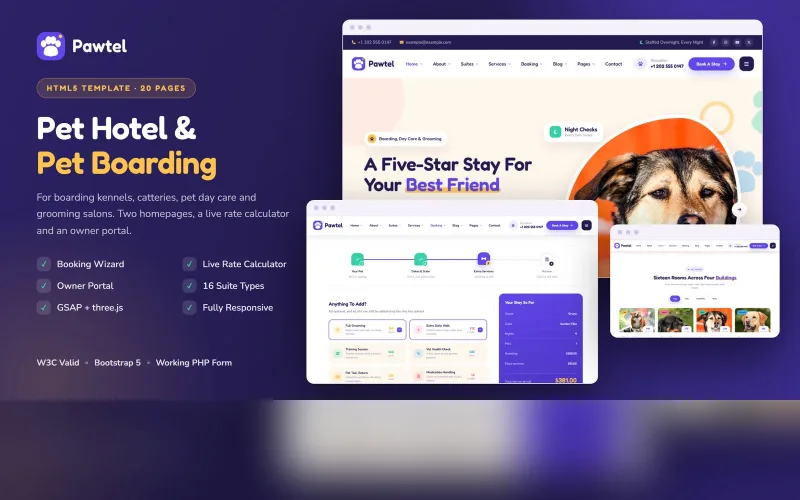
Pet Hotel & Boarding HTML5 Template
 Mono Digital